Choose a tariff for the current account
Compare tariff packages by service cost, payments and the set of services, and pick the one that matches your volume of operations.
Go to tariffsA current account, payments, online lending and deposits — in one app, without visiting the bank.
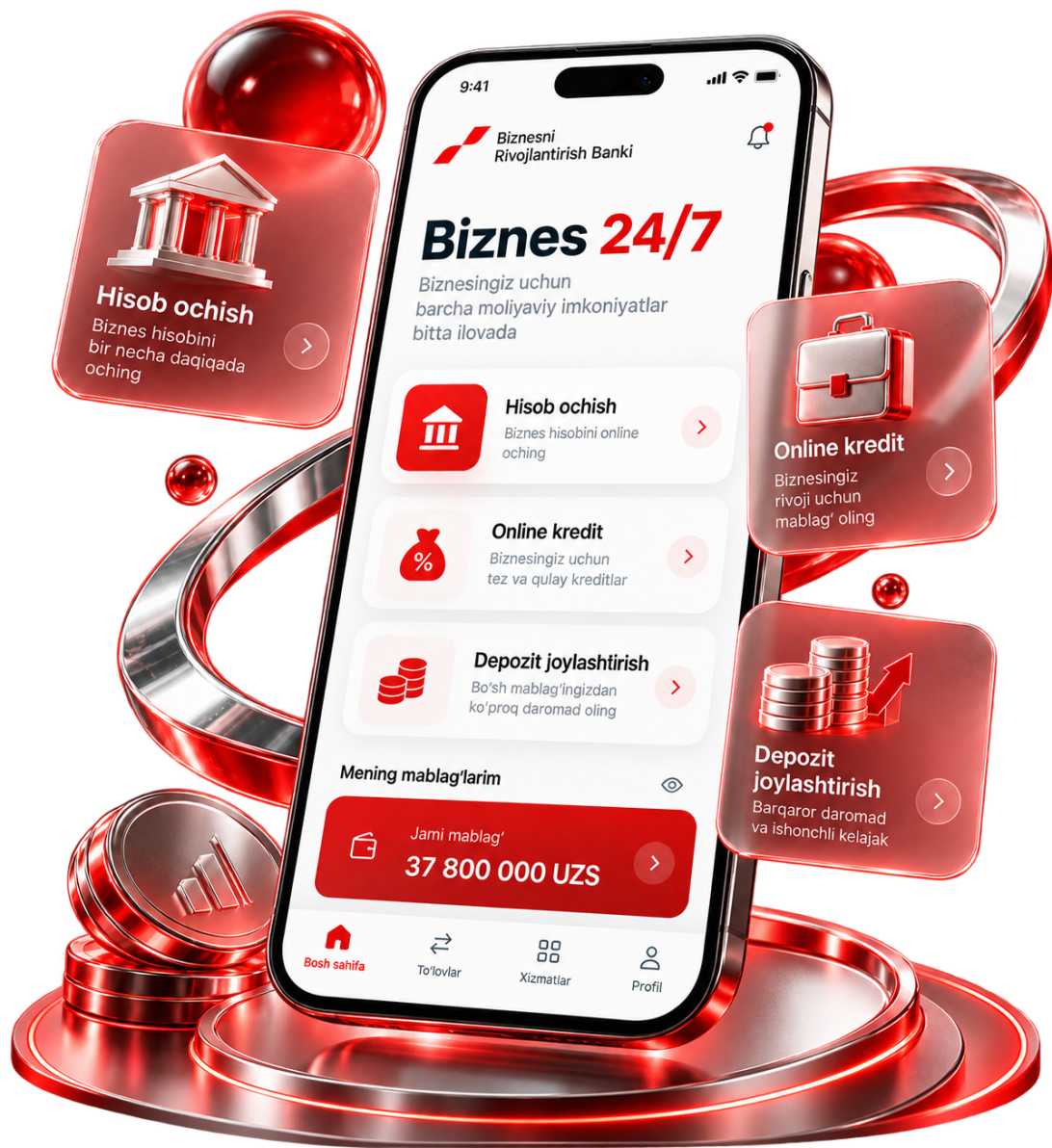
No switching between the branch and separate services — the core operations are available online.
Send and receive money whenever it suits you.
Apply and get a decision through the digital channel.
Start remotely — no queue and no paperwork visit.
Download documents as PDF and send them to partners.
Place spare funds without going to a branch.
Connect banking services straight from the app.
Submit the application, confirm your identity and start working in Business 24/7 right away.
Start online — basic details and a phone number are enough for the first step.
Confirm your identity remotely, with no separate visit to a branch.
Once registered, open the account and use the payments and services of the platform.
Go to the app, pass identification and start connecting your current account.
Go to the appIf the business is already registered, move on to choosing a tariff. If you are just starting, register the activity online first.
Compare tariff packages by service cost, payments and the set of services, and pick the one that matches your volume of operations.
Go to tariffsA step-by-step guide and which taxes apply. Sole trader status can be registered in a day — provided the documents are ready in advance.
Companies across industries use the bank’s digital services for their daily work.